The Complete Guide to Custom Photo Puzzles
Everything about custom photo puzzles — what they are, how to pick a photo, choosing an art style, online vs. physical, gifting, and how to make one from any picture in minutes.
5 min read
In this Article
A custom photo puzzle is exactly what it sounds like: a jigsaw puzzle made from a picture you choose, instead of a stock image off a shelf. The idea isn't new — companies have printed photo puzzles for years — but turning one into something you can also play online, share, and reimagine in different art styles is. This guide covers the whole thing: what makes a good one, how to make it, and what to do with it.
What a custom photo puzzle is
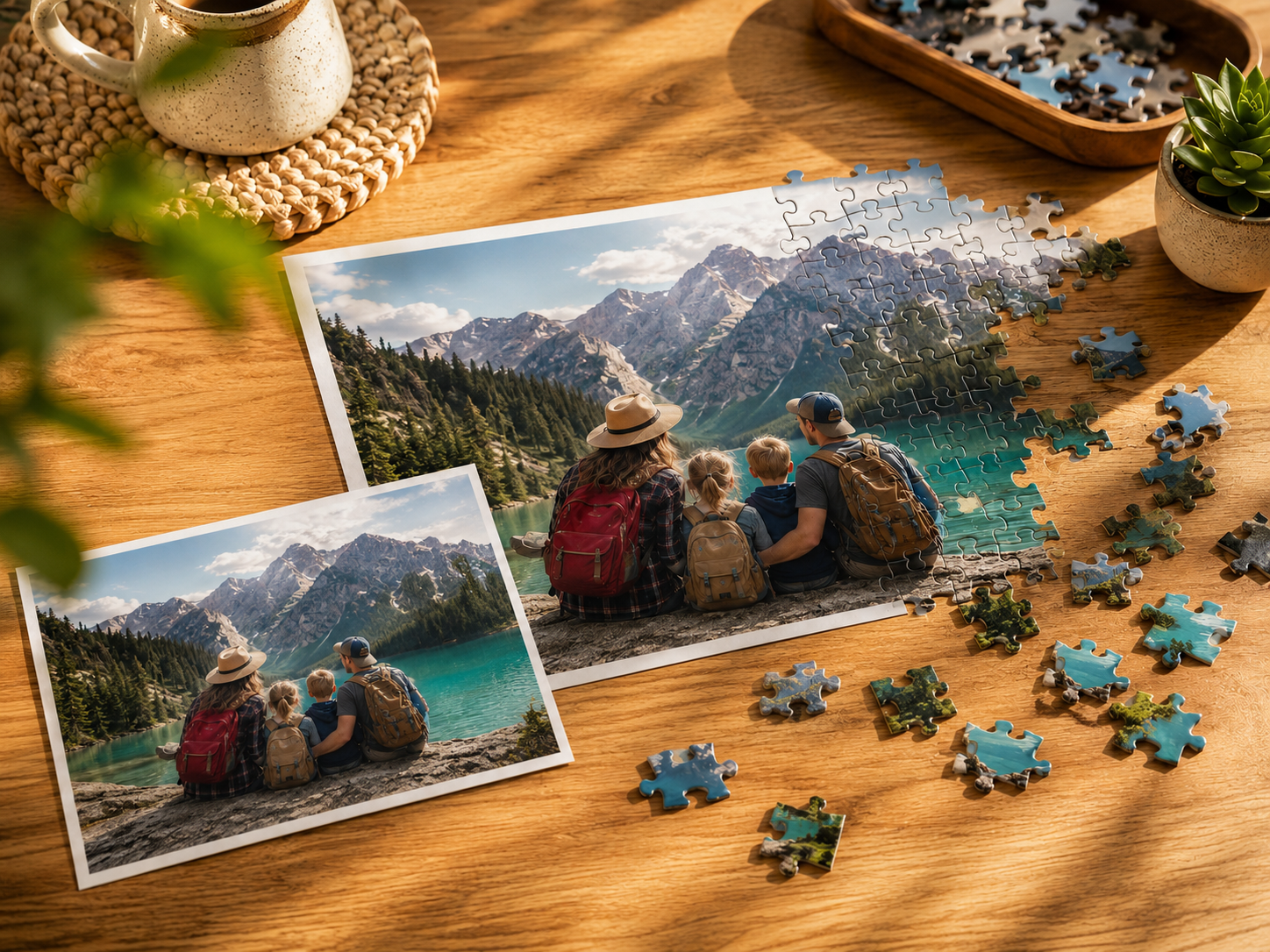
At its simplest, you take a photo, the image gets divided into pieces, and you (or whoever you send it to) put it back together. The photo can be anything — a family portrait, a pet, a landscape, a wedding, a child's drawing.
What's changed recently is the play. You no longer have to wait for a box to arrive to do anything with it. You can turn a photo into a puzzle and play it in your browser in a couple of minutes, then decide later whether you also want a physical copy.
Picking the right photo
This matters more than anything else. A great photo makes a great puzzle; a bad one makes a frustrating one. What works:
- Detail and color. A photo with lots going on — faces, textures, varied colors — gives your eyes something to latch onto. A photo that's mostly one flat color (a wide blue sky, a plain wall) is genuinely tedious to solve.
- Faces over scenery. Family and group photos tend to make better, more rewarding puzzles than distant landscapes.
- Good light. Bright, clear photos hold up across pieces. Dark or blurry ones fall apart.
- Resolution. Use the highest-quality version you have. A photo that's been compressed through a few text messages will look soft; track down the original off the camera if you can.
Choosing an art style
Here's where a photo puzzle becomes more than a printed picture. Instead of using the photo as-is, you can transform it into a piece of art first. On I Love Puzzle there are 9 styles:
- Ghibli Anime — soft and painterly
- Pixar 3D — warm, cinematic, great for people
- Watercolor — delicate, romantic
- Comic Book — bold and graphic
- Fantasy — magical, storybook
- Retro Future — vintage sci-fi
- Mini Clones — playful miniature figures
- Paws & Portraits — tuned for pets and animals
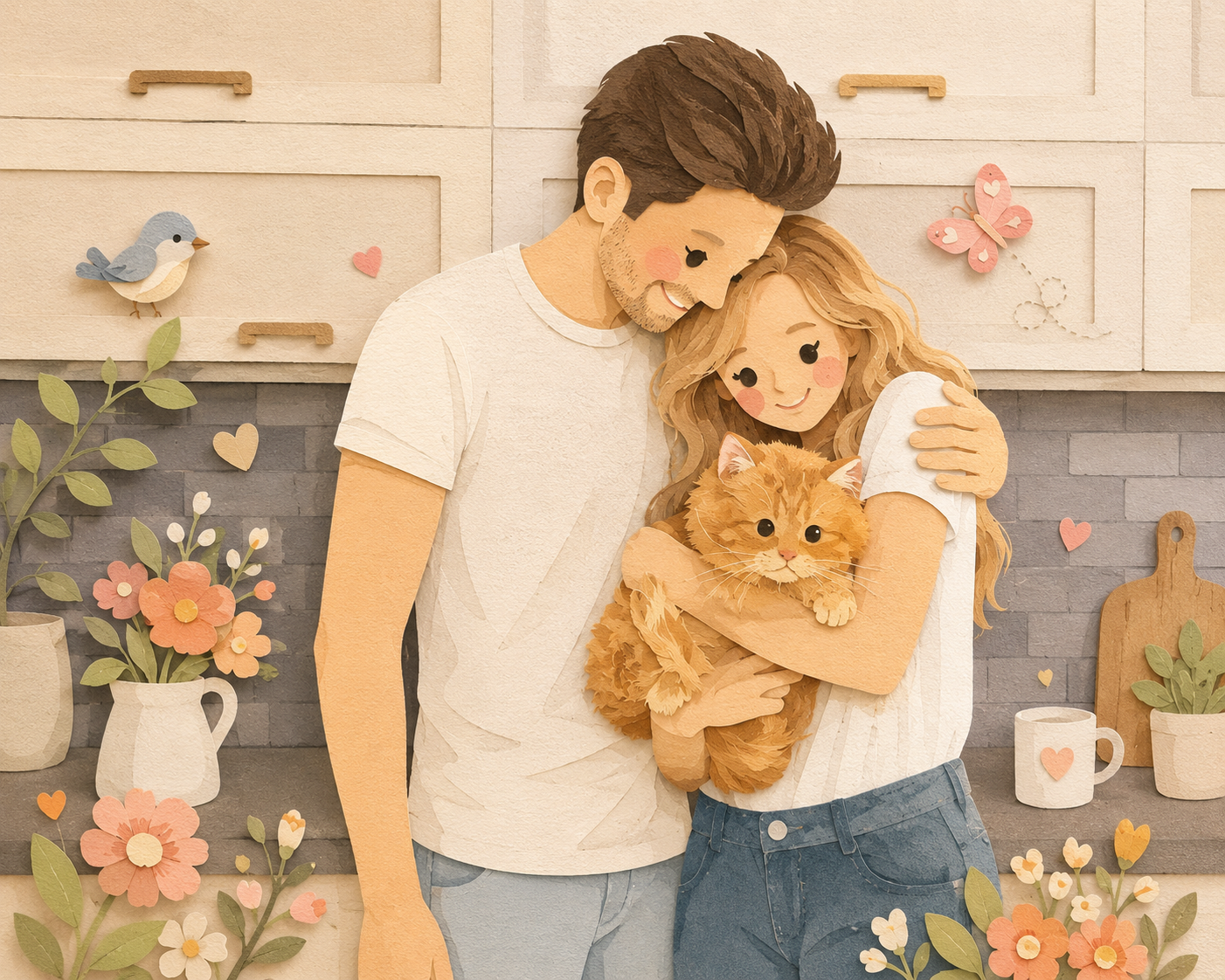
- Paper Craft — soft layered paper-cut textures, cozy and warm
A wedding photo in Watercolor feels completely different from the same photo in Comic Book. It's worth generating two or three before you settle.
For more on getting good results, see our guide on AI photo tips.
Online vs. physical
You don't have to choose one. Most people start online — it's instant and free to play — and order a physical copy only for the ones worth keeping.
- Online is immediate. Play in the browser, set the piece count, share a link. Nothing to ship, nothing to lose.
- Physical is a keepsake. A premium wooden puzzle you can hold, solve at the table, and keep in a box — the kind of thing that makes a real gift.
We go deeper on the trade-offs in online vs. physical puzzles.
Making one
The actual process is short:
- Go to Create and upload a photo
- Pick an art style — or keep it natural
- Play it online, share the link, or order a physical version
No design software, no skills. If you've got a photo, you've got a puzzle.
What to do with it
A few things people do with their custom puzzles:
- Gift them. A puzzle of someone's pet, their kids, or an old family photo is a gift people actually keep. See personalized puzzle gift ideas.
- Share them. Send the link to family far away — they play it on their own device without an account.
- Collect them. Every puzzle you save builds your Puzzle Planet, a growing 3D sphere of your work.
FAQ
What is a custom photo puzzle?
It's a jigsaw puzzle made from a photo you choose rather than a pre-made image. You can play it online, share it, or order it as a physical puzzle.
What photo works best?
Clear, well-lit, high-resolution photos with faces, detail, and color. Avoid dark, blurry, or mostly-empty images.
Can I make a photo puzzle for free?
Yes — you can turn a photo into a puzzle and play it online. A physical copy is an optional add-on if you want something to keep.
How many pieces should it have?
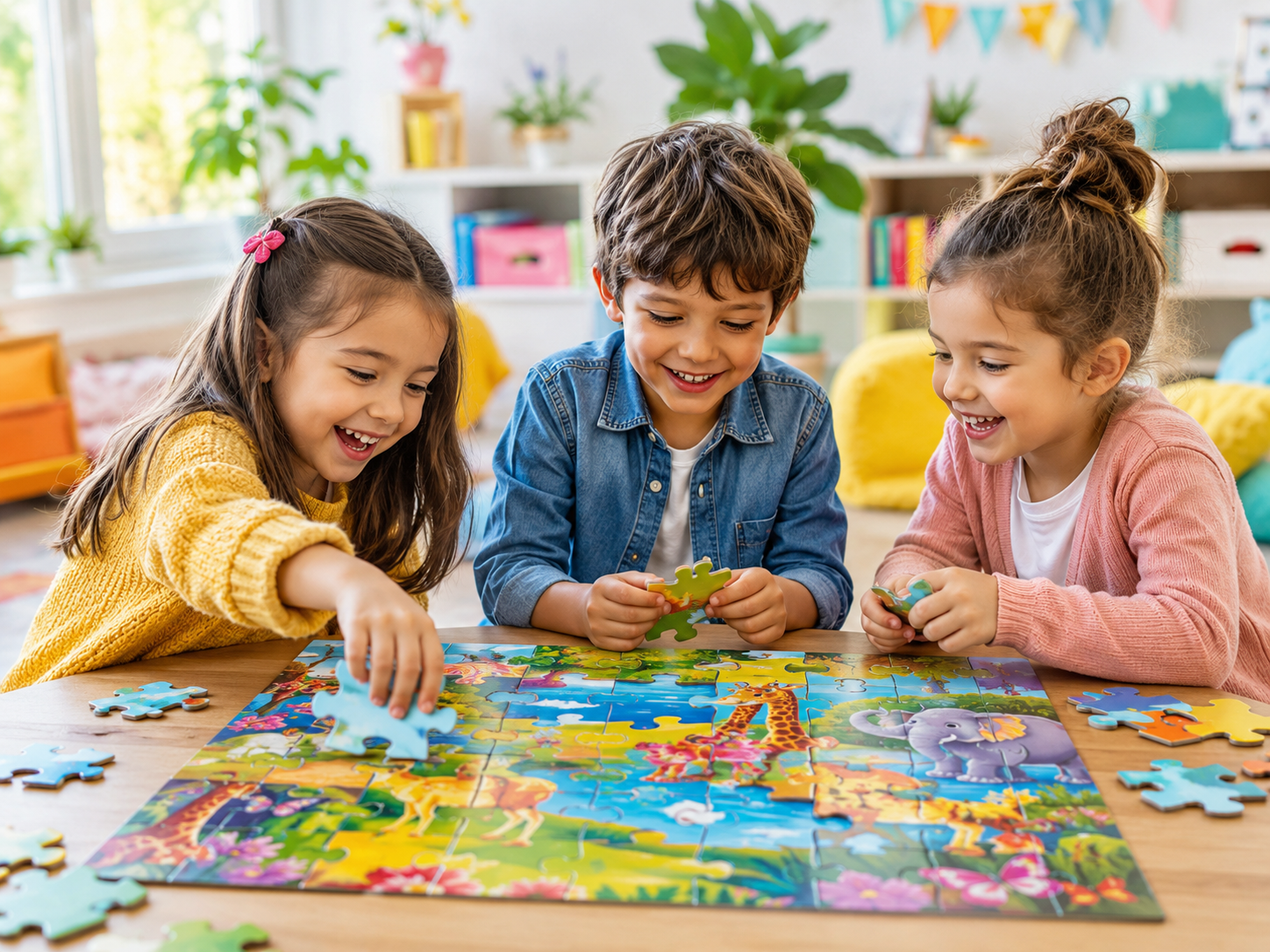
Lower piece counts (around 100) suit kids and quick play; higher counts (500–1,000) suit experienced puzzlers. See our piece count guide.
Can I change how the photo looks?
Yes. You can transform it with one of 9 AI art styles before turning it into a puzzle, or keep the original photo as-is.
Make Yours
Pick a photo and see how it looks as a puzzle.