How to Turn Your Family Photos into a Jigsaw Puzzle (Step-by-Step)
Learn how to turn any family photo into a beautiful online jigsaw puzzle in minutes — with 9 AI art styles to choose from. No design skills needed.
8 min read
In this Article
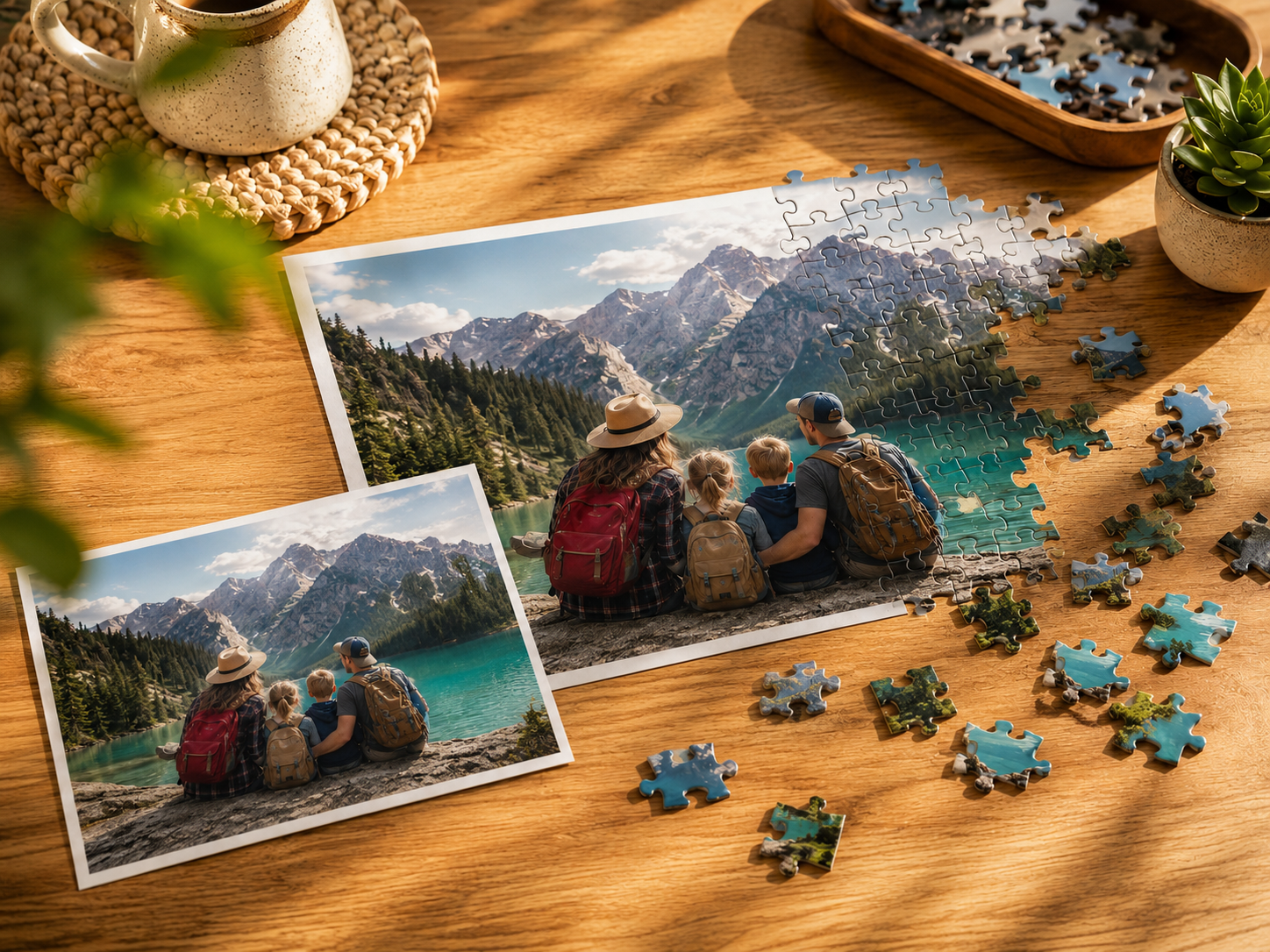
There's a shoebox in most homes — tucked in a closet or under a bed — filled with photos that never quite made it to a frame. A birthday at the beach. A dog's first snow. A grandparent's smile from ten years ago.
What if one of those photos became a puzzle your whole family could sit around and solve together?
On I Love Puzzle, turning your favorite photo into a playable jigsaw puzzle takes just a couple of minutes — and you don't need any design skills at all. Here's exactly how it works.
Why Make a Puzzle from Your Own Photo?
Store-bought puzzles are beautiful, but they're someone else's memory. A puzzle made from your photo is different. It's the kind of thing kids ask to play again. The kind of gift that makes someone go quiet for a moment before they say thank you.
Custom photo puzzles are also surprisingly versatile:
- A meaningful gift for birthdays, anniversaries, Mother's Day, or the holidays
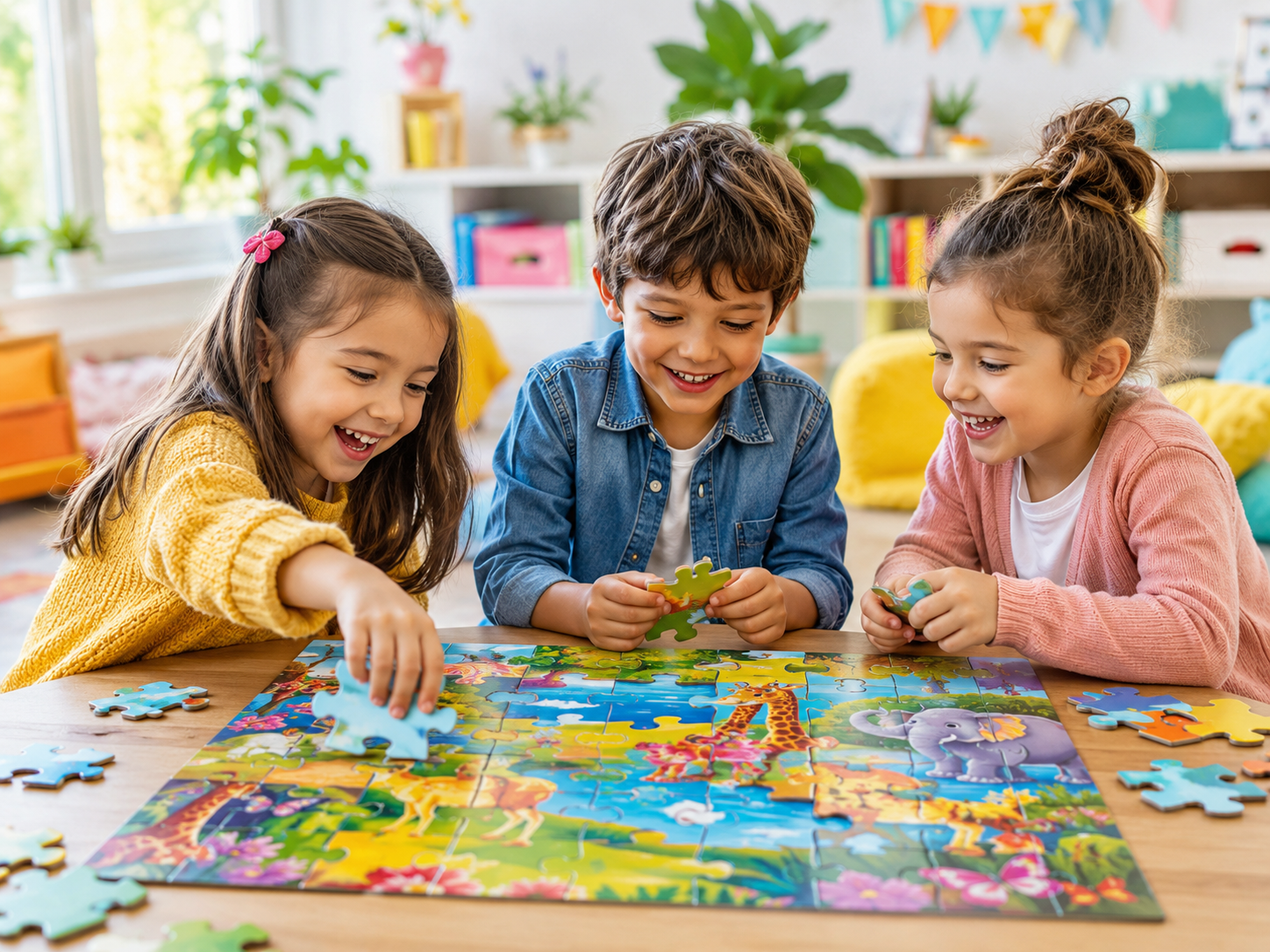
- A rainy afternoon activity the whole family can do together
- A creative way to revisit a travel memory or celebrate a milestone
- A unique memorial to a beloved pet or a person you've lost
- A party activity for a game night or family reunion
And with I Love Puzzle's AI art styles, you're not limited to your original photo. You can transform a family portrait into something that looks like a Studio Ghibli painting, a Pixar movie still, or a hand-painted watercolor — and then puzzle it.
What You'll Need
- A phone photo, scanned print, or any digital image
- A free account on ilovepuzzle.com
- A couple of minutes
That's it. No Photoshop, no design experience, no special equipment.
Step-by-Step: From Photo to Puzzle
Step 1 — Upload Your Photo
Head to ilovepuzzle.com/create and drag your photo into the upload area, or click to browse your files.
Supported formats: JPG, PNG, WebP — up to 10MB
Tips for the best result:
- Use a clear, well-lit photo at least 1280×960 pixels
- Choose images with visual richness — people, colors, textures, landscapes
- Avoid photos that are mostly blank sky or flat backgrounds
- Remove any text overlays, watermarks, or borders beforehand
A family portrait, a holiday scene, a close-up of your dog — these all make excellent puzzles. The more detail in the image, the more satisfying it is to piece together.
Step 2 — Choose Your Art Style
This is where it gets fun. I Love Puzzle offers 9 AI art styles that reimagine your photo in a completely different visual world. You're not just making a puzzle — you're making art.
| Style | What it looks like | Best for |
|---|---|---|
| Ghibli Anime | Soft, painterly, Studio Ghibli-inspired | Landscapes, nature, family scenes |
| Pixar 3D | Warm, expressive, cinematic 3D | Portraits, kids, family groups |
| Watercolor | Delicate brushwork, dreamy and artistic | Weddings, travel, flowers |
| Comic Book | Bold lines, graphic novel energy | Action shots, kids, pets |
| Fantasy | Magical, storybook illustration | Anything you want to make epic |
| Retro Future | Vintage sci-fi, neon and chrome | Cityscapes, architecture |
| Mini Clones | Playful, miniature figurine look | Kids, family groups |
| Paws & Portraits | Designed specifically for pets | Any animal photo |
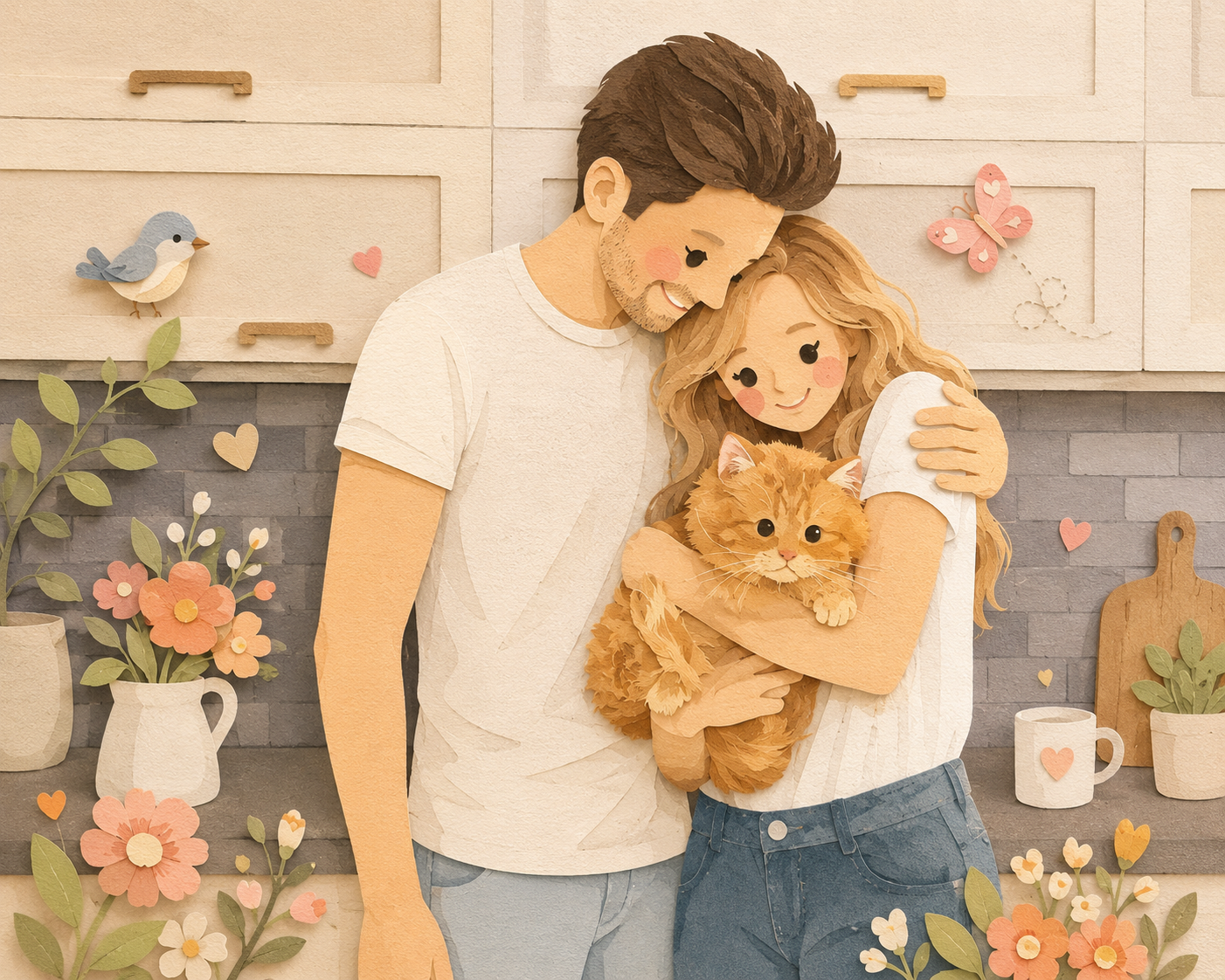
| Paper Craft | Soft layered paper-cut textures with gentle watercolor tones | Cozy family scenes, couples, pets |
Not sure which to pick? Generate a few versions and compare — you might be surprised which one you fall in love with.
Step 3 — Let the Magic Happen
Click generate, and the AI transforms your photo in seconds. You'll see your image reimagined in the style you chose — ready to become a puzzle.
From here, you have a few options:
Play it online immediately Jump straight into the puzzle in your browser. Drag, snap, and beat the clock. Every puzzle on I Love Puzzle has adjustable piece counts, so you can make it as easy or as challenging as you like.
Share it with friends and family Your puzzle gets its own shareable link. Send it to anyone — grandparents, friends across the country, anyone — and they can open the link and play it on their own device without needing an account.
Keep it private Your puzzle lives in your personal Puzzle Planet, visible only to people you choose to share it with. Great for preserving personal memories.
Order it as a real physical puzzle Want something you can hold in your hands? I Love Puzzle can print your creation as a premium wooden puzzle and ship it to your door — including special whimsy-piece designs for an extra-personal keepsake. The kind of thing you keep in the family for years.
Common Mistakes to Avoid
Even with a straightforward tool, a few simple mistakes can result in a puzzle that's less than great. Here's what to watch out for:
Using a low-resolution photo Images that are too small will look blurry when stretched across puzzle pieces. If you're pulling a photo from an old text message or social media, try to find the original — phone camera photos are almost always high enough quality.
Choosing photos with too much empty space A photo that's 70% blue sky makes for a frustrating puzzle, because all those pieces look identical. Pick photos where interesting things are happening across the whole frame.
Picking the wrong style for the subject The Paws & Portraits style is tuned specifically for animals — it tends to produce muddy results on human portraits. Pixar 3D works beautifully for people and groups but can look odd on architecture. It's worth trying two styles before committing.
Forgetting to share the link One of the nicest things about I Love Puzzle is that you can send your puzzle to a far-away family member and they can play it without signing up. Don't skip this step if you made the puzzle for someone special.
Ideas to Get You Started
Not sure which photo to use? Here are a few ideas that make exceptional puzzles:
- A group holiday photo — Christmas morning, Thanksgiving dinner, a beach vacation
- Your pet in their element — the Paws & Portraits style was made for this
- A wedding or anniversary photo reimagined in Watercolor
- A child's drawing photographed and turned into a Pixar-style scene
- A city skyline or travel photo in Retro Future style
- A grandparent's portrait as a Ghibli-style gift they'll never forget
- A cozy family moment in the new Paper Craft style
The best puzzle photos have a clear subject, good lighting, and enough visual interest to keep you searching for pieces across the whole image.
How to Share Your Puzzle with Someone Far Away
Making a puzzle for a grandparent, a friend overseas, or a family member in another city? Sharing takes seconds:
- After generating your puzzle, click the share button to copy the unique link
- Send the link to whoever you want — by text, email, WhatsApp, anything
- They open the link on their device — no account needed
- They can play your puzzle right away, wherever they are
It's a warm little way to share a memory with someone who isn't in the room — something more personal than just another message.
FAQ
Can I make a jigsaw puzzle from any photo?
Yes. Any clear JPG, PNG, or WebP image works, and the clearer and more detailed the photo, the better the puzzle will look. For best results, use a photo at least 1280×960 pixels.
Do I need to create an account to make a puzzle?
You can explore the tool freely, and creating a free account lets you save your puzzles and access your personal Puzzle Planet.
How many AI styles can I try?
All 9 styles are available to choose from. You can generate versions of your photo in different styles and pick your favorite before playing.
Can I adjust how many pieces the puzzle has?
Yes. I Love Puzzle lets you set the piece count, so you can make a quick puzzle for kids or a more challenging one for experienced puzzlers.
Can other people play my puzzle without an account?
Yes. Anyone with your puzzle's shareable link can open it and play on their own device — no registration or login required.
Can I order my puzzle as a physical one?
Yes. You can have your creation printed as a premium wooden puzzle and shipped to your door, including special whimsy-piece designs — perfect as a keepsake or gift.
Can I keep my puzzle private?
Yes. By default, puzzles you create are stored in your private Puzzle Planet, and you choose who to share them with.
Make the Moment Last
Jigsaw puzzles have a way of slowing things down. An hour around the table with no screens, just pieces and conversation — it turns out that's still one of the best things you can do together.
When the image in that puzzle is yours — a moment your family actually lived — it becomes something more than a game. It becomes a ritual you'll want to repeat.
Have a photo in mind? Head to I Love Puzzle and upload it. Your puzzle is just a few clicks away.