Turn a Photo Into a Puzzle: DIY Print, Custom Order, or AI Stylized — Which Is Right for You?
Three real ways to turn a photo into a jigsaw puzzle in 2026: home DIY printing, traditional custom-order services, and AI-stylized puzzles. Cost, quality, time-to-finish, and which one to pick for a gift, a memory, or just fun.
10 min read
In this Article
The three paths at a glance
| DIY Print at Home | Custom Order (Shutterfly / Ravensburger / MakeYourPuzzles) | AI Stylized (I Love Puzzle) | |
|---|---|---|---|
| Cost per puzzle | $2–$8 (paper, ink, time) | $20–$60 typical | Free online; ~$30–$45 if you order the physical version |
| Time to hold it | Same day | 7–14 days shipping | Instant online; 7–14 days for physical |
| Quality | Paper, flimsy, fades | Sturdy cardboard, vivid print | Same cardboard quality as custom-order, plus the AI styling option |
| Piece counts | 12–60 realistically | 30 to 1,014 | 9 online to 1,000+ for physical |
| Best image type needed | Anything | High-resolution (1500×1000 px minimum) | Any photo — AI fills in detail and color |
| Customization | Cut it however you want | Layout, text, collage, box design | AI style, orientation, custom prompt |
| Reusable? | One or two uses tops | Many years | Online: forever. Physical: many years. |
| Gift presentation | Looks homemade | Boxed, gift-ready | Boxed, gift-ready + comes with a story (you can show the recipient the original photo on their phone first) |
| Skills required | Patience and a craft knife | Knowing how to upload | None |
| Sensitive-photo control | Total — never leaves your house | Trust the vendor's storage | Private-by-default upload, then choose Public / Private / Direct-link |
Path 1: DIY at home
You print the photo, glue it to cardboard, and cut it into pieces with a craft knife or scissors. Total cost: a piece of card stock, ink, and an evening.
When this is the right choice
- Kids' birthday party activity, where the puzzle's job is to be cut up and thrown out in an hour.
- Classroom craft.
- You want to try the format before committing to a paid order.
- The photo itself has sentimental value (a child's drawing) and roughness is fine.
Where it falls down
- Quality is awful by jigsaw standards. Paper bends, ink smears, and pieces don't snap together cleanly.
- Cutting accuracy is human. Your pieces will have visible gaps and frayed edges.
- The total time investment (print, glue, dry, cut, cut, cut...) is often 2–3 hours for a 60-piece puzzle. The dollar saving evaporates against the hour cost.
A common mistake. People who try this once for a gift, realize how amateurish it looks, and then either give up entirely on the puzzle-as-gift idea or feel they have to apologize when they hand it over. If your goal is a gift, skip this path.
Path 2: Custom order from a print service
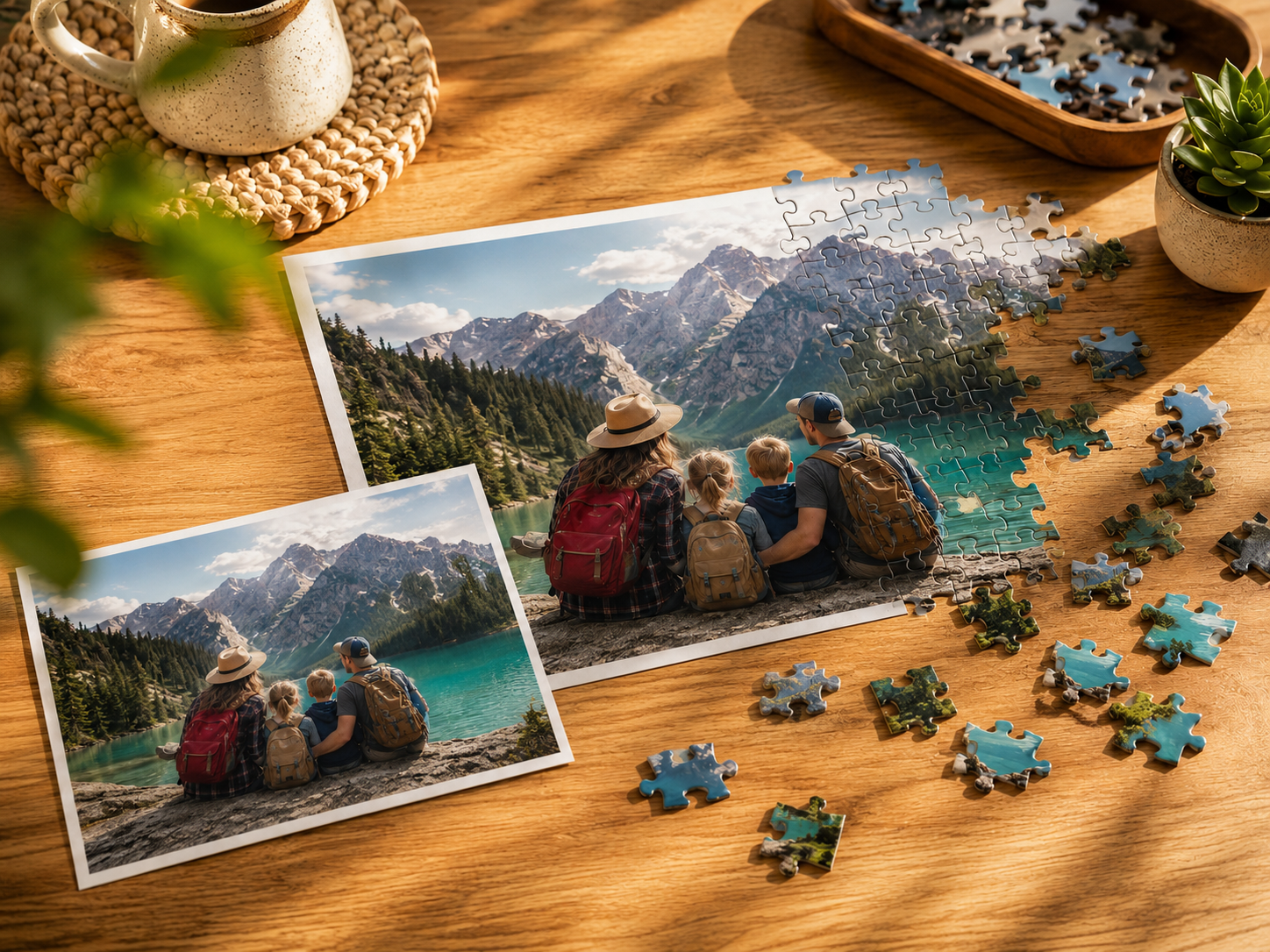
Shutterfly, Ravensburger's "make your own," MakeYourPuzzles, Snapfish, and Vistaprint all do versions of this. You upload a photo on their website, choose a size and piece count, optionally add text or a collage layout, pay, and a real cardboard puzzle arrives in 1–2 weeks.
What's good
- The quality jump from DIY is enormous. These are real puzzles, printed with industrial process, on the same board stock as the puzzles you buy in a store.
- Most services offer a range from 30 pieces (for kids) up to 1,000 (a real weekend project).
- Boxed delivery. The photo prints on the box lid, so it's gift-presentable out of the box.
- Some services (Ravensburger) use heavier board and notably better die-cutting; you can feel the difference.
Where it's harder than people expect
- Your photo must be high-resolution. A phone screenshot or a heavily cropped Facebook download will print as a blurry mess at 500 pieces. The general rule: you need at least 1500×1000 px for a 300-piece puzzle, 2400×1800 px for 500–1,000 pieces. The service won't always warn you clearly.
- Some photos aren't suited to puzzles. A photo of one person against a plain wall has too little color variation to make a solvable puzzle above 100 pieces. You discover this after you've already paid.
- Pricing is opaque thanks to constant promotions. The "$50 puzzle" might be $25 with a coupon and $80 without it. Sales also drive 7–10 day shipping into 2-week shipping during peak periods.
- Privacy is whatever the vendor's terms say. Most reserve the right to use your uploads for "service improvement."
Who this path is for. Photo is already great. You want a no-surprises gift. You're willing to spend $30–$60 and wait two weeks.
Path 3: AI-stylized puzzle
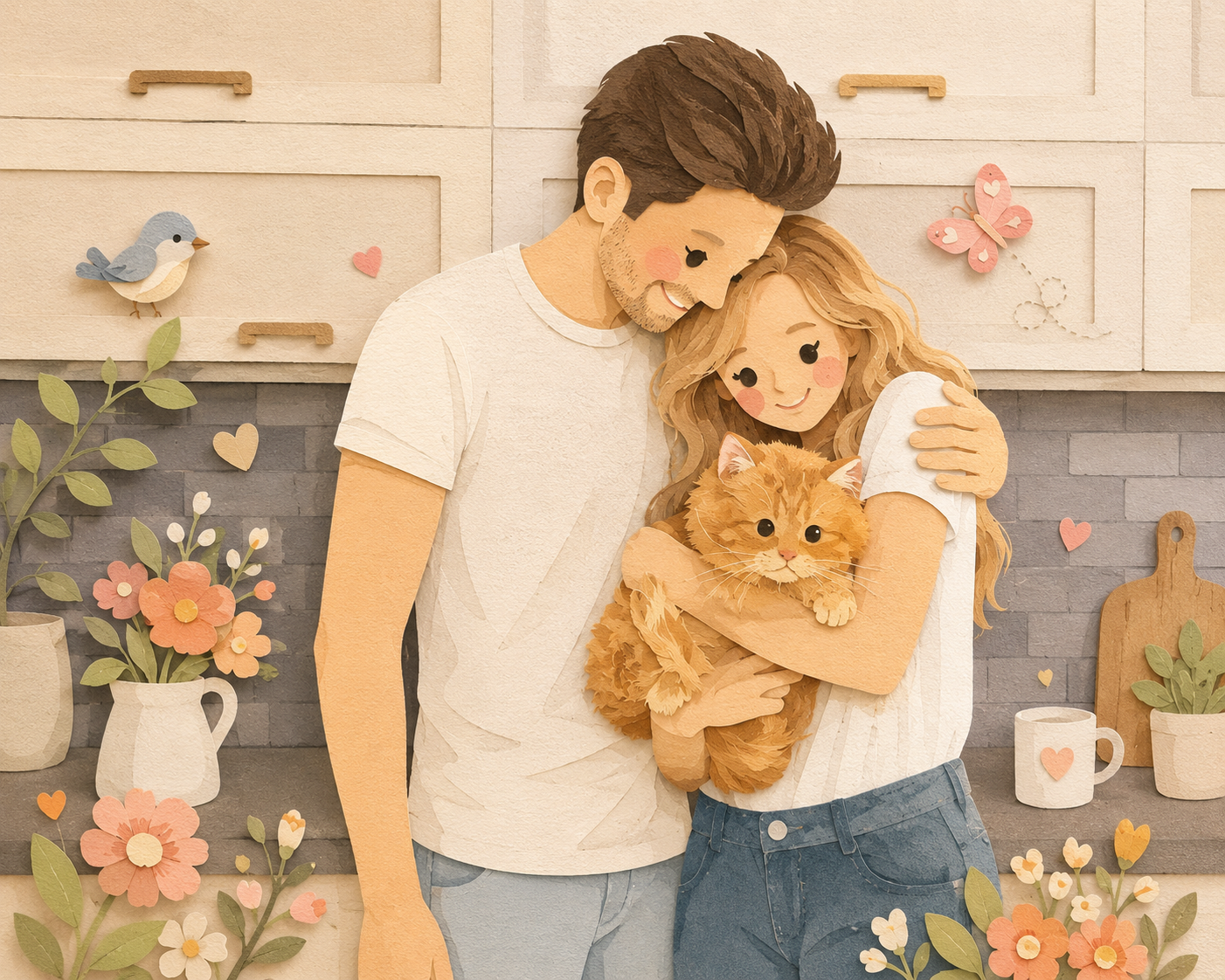
This is the newest path and the one that didn't exist three years ago. You upload a photo on a site like I Love Puzzle, choose an AI art style (Ghibli, Pixar 3D, watercolor, fantasy, comic book, etc.), and within 20 seconds the AI returns a stylized version of your photo. Play it online immediately for free. If you love it, order the physical version of the stylized image, delivered as a real puzzle.
Why this changes the calculation
- Bad photos become good puzzles. A blurry, low-light family photo where the original would print as a mush at 300 pieces becomes a crisp Pixar render or a Ghibli watercolor. The AI doesn't just upscale — it reimagines.
- One memory, many styles. The same beach photo can be a watercolor for grandma, a comic-book panel for your teenager, and a Pixar render for the family room. You pick once and generate variations.
- Try before you order. Play the puzzle online first. If the AI render isn't quite right, regenerate (within your monthly quota) for another option. With a Shutterfly order you only see the result after $40 has been spent and two weeks have passed.
- Privacy choice. Uploads default to private. Only you see them unless you mark them public.
Where it has trade-offs
- AI styling adds a layer between you and the original photo. If your goal is "this exact moment, captured exactly," AI is the wrong tool. Use a custom-order service.
- Faces and hands can occasionally render oddly on stylized output. For family photos, pick styles that tolerate variation (Watercolor, Ghibli) over ones that demand exact likeness.
- AI generations are metered. Most sites give a free monthly allotment; heavy creative experimentation eventually hits a paywall.
Who this path is for. You have some good photos and a lot of okay ones, and you want to make the okay ones into something gift-worthy. You like the idea of seeing your memory through Hayao Miyazaki's eyes. You want to try before you pay for printing.
Cost over five years (a real comparison)
Imagine you make four photo puzzles a year — birthdays, holidays, anniversaries — and you do this for five years. That's 20 puzzles total.
| Path | Per puzzle | 5-year total | Includes |
|---|---|---|---|
| DIY at home | ~$5 + 3 hrs | $100 + 60 hrs labor | 20 mediocre puzzles, some thrown out |
| Custom order | $40 average | $800 | 20 sturdy, similar-looking puzzles |
| AI-stylized, online only | $0–$60 (subscription) | $0–$300 | 20+ digital puzzles in 9 styles each |
| AI-stylized + physical for favorites | $35 × 6 favorites + subscription | ~$350–$500 | 6 physical, 14+ digital, far more variety |
The interesting one is the bottom row. The hybrid path — playing everything online, ordering only the ones you love — turns out to be cheaper than always-custom-order and gives you a much wider library of variations to choose from.
How to pick, in 30 seconds
- It's an in-classroom or party activity → DIY.
- The photo is sharp, high-resolution, well-composed, and the gift moment is about that exact photo → Custom order.
- The photo is okay but not great, or you want it to feel like art, or you'd like to see options before paying → AI-stylized.
- You're not sure → start with the free AI path. It costs nothing to find out whether the result is something you want printed.
A few practical tips regardless of path
- Use a horizontal photo. Most puzzle formats are 4:3 landscape. Vertical (portrait) photos get cropped awkwardly unless the service supports portrait mode (I Love Puzzle does; most custom-print services have limited support).
- Avoid photos with large flat-color regions. A bright blue sky over a beach makes the top third of the puzzle nearly unsolvable. Either crop it out or pick a different photo.
- For seniors, default to fewer pieces and more color contrast. A 300-piece puzzle of a soft pastel watercolor is much harder than a 500-piece puzzle of a vivid Pixar render with strong outlines.
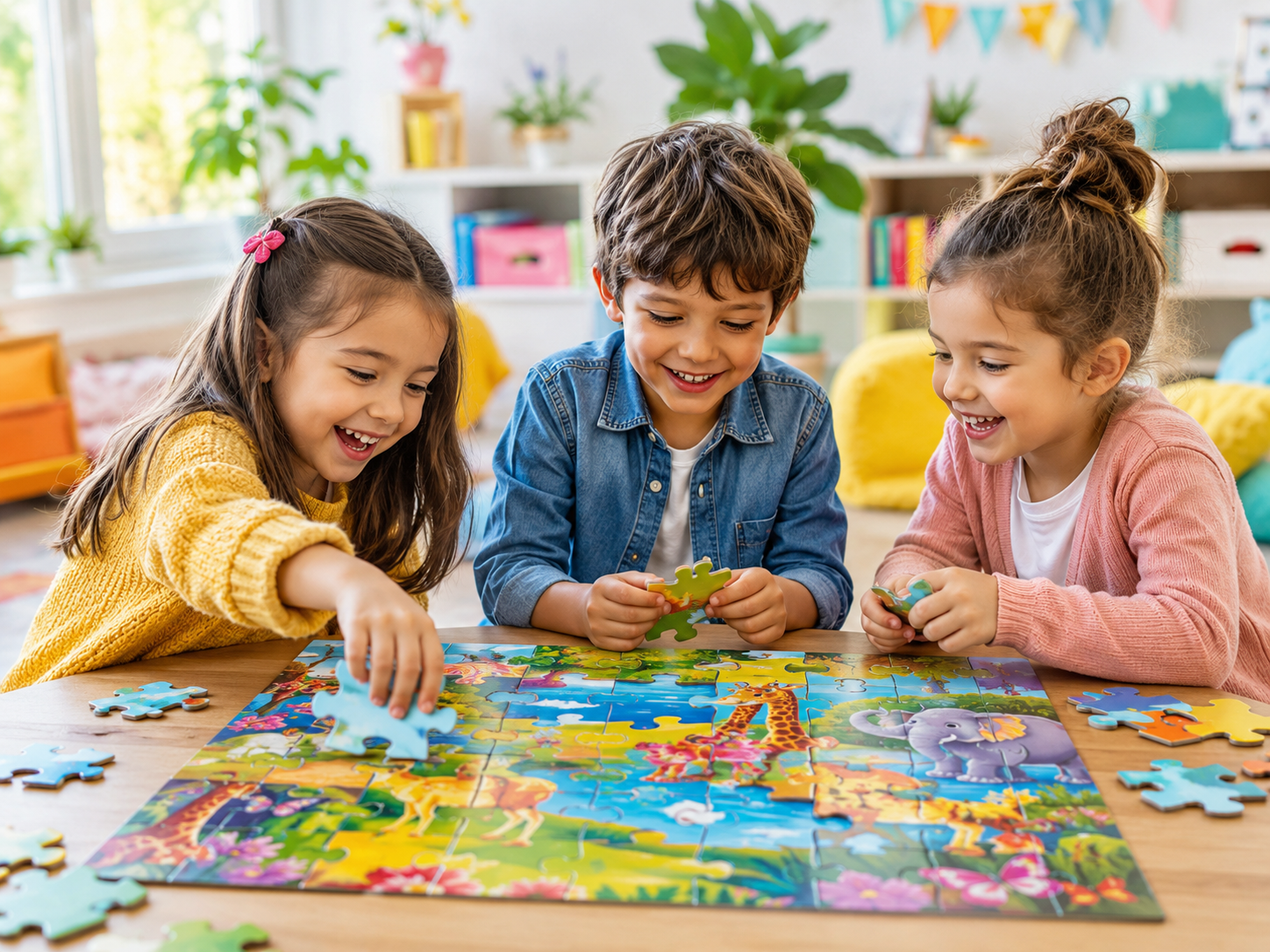
- For kids, fewer pieces and recognizable subjects. Pet faces, cartoon characters, and bright cartoons beat landscapes.
- Save the original. Whatever path you pick, keep the original photo file backed up. The puzzle is one rendering of it, not a replacement for the source.
FAQ
Can I turn any photo into a puzzle?
Technically yes, practically no. Low-resolution, poorly-lit, or flat-color-dominant photos make frustrating puzzles. AI stylizing can rescue many "almost good" photos by adding detail and contrast; print services cannot.
What's the minimum resolution for a 500-piece custom puzzle?
Roughly 2400×1800 pixels. Below that, expect visible blurriness when printed at typical sizes.
Are AI-styled puzzles any good as gifts?
For people who like animation, illustration, or non-literal art — yes, often better than a literal photo print. For people who explicitly want "the photo I took," no — give them the original.
How long does an online AI puzzle take to make?
About 20 seconds end-to-end. Upload photo, pick style, wait, play.
Can I order a physical puzzle of an AI image?
On I Love Puzzle, yes — the AI-stylized image becomes the cardboard puzzle. Order time is roughly 7–14 days.
What about copyright? If I AI-style my own photo, who owns it?
You own the original photo. The AI output's legal status varies by jurisdiction, but for personal use — making a puzzle for yourself or as a gift — there is no practical issue. Don't upload copyrighted images you don't own (someone else's photo, a movie still) and you're fine.
Is the cardboard quality on AI puzzles the same as Shutterfly/Ravensburger?
It depends on the print partner. Most digital-puzzle sites that offer physical orders use the same industrial cardboard suppliers as the named brands. Ravensburger remains the gold standard for piece-fit and board thickness; most others are comparable to each other.
I'm worried about uploading my kids' photos. Is it safe?
Read each service's terms. The safest pattern: pick a service whose default is private (I Love Puzzle defaults AI-saved puzzles to private), play the puzzle, then either keep it private forever or download the result and delete the upload. For absolute privacy, DIY at home is the only path that never sends your image anywhere.
Bottom line
The cheapest path isn't always the best. The most expensive path isn't always the best either. The right path depends on what you're trying to make.
If you've been meaning to turn a family photo into a puzzle but the price of a $40 Shutterfly order has kept you from trying, take the free AI route first — see what a single photo can become as a Ghibli landscape or a Pixar render. It's the lowest-stakes way to find out whether this whole "photo puzzle" thing belongs in your gift-giving toolkit.