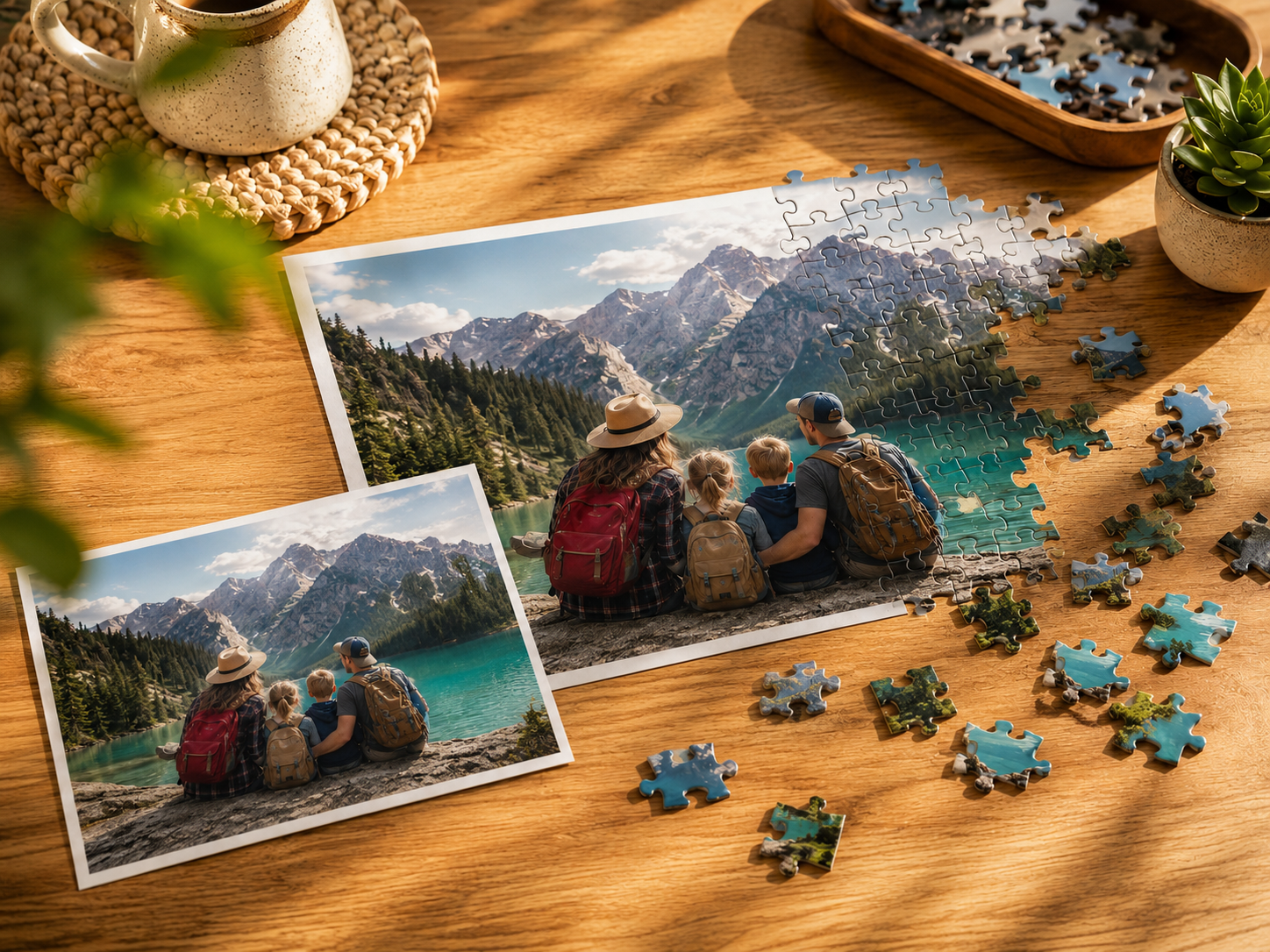
Your Puzzle Planet: How It Works and How to Share It
A plain guide to your Puzzle Planet on I Love Puzzle — how it's built from your puzzles, how levels work, the difference between sharing privately and publishing publicly, and how to manage it.
6 min read
In this Article
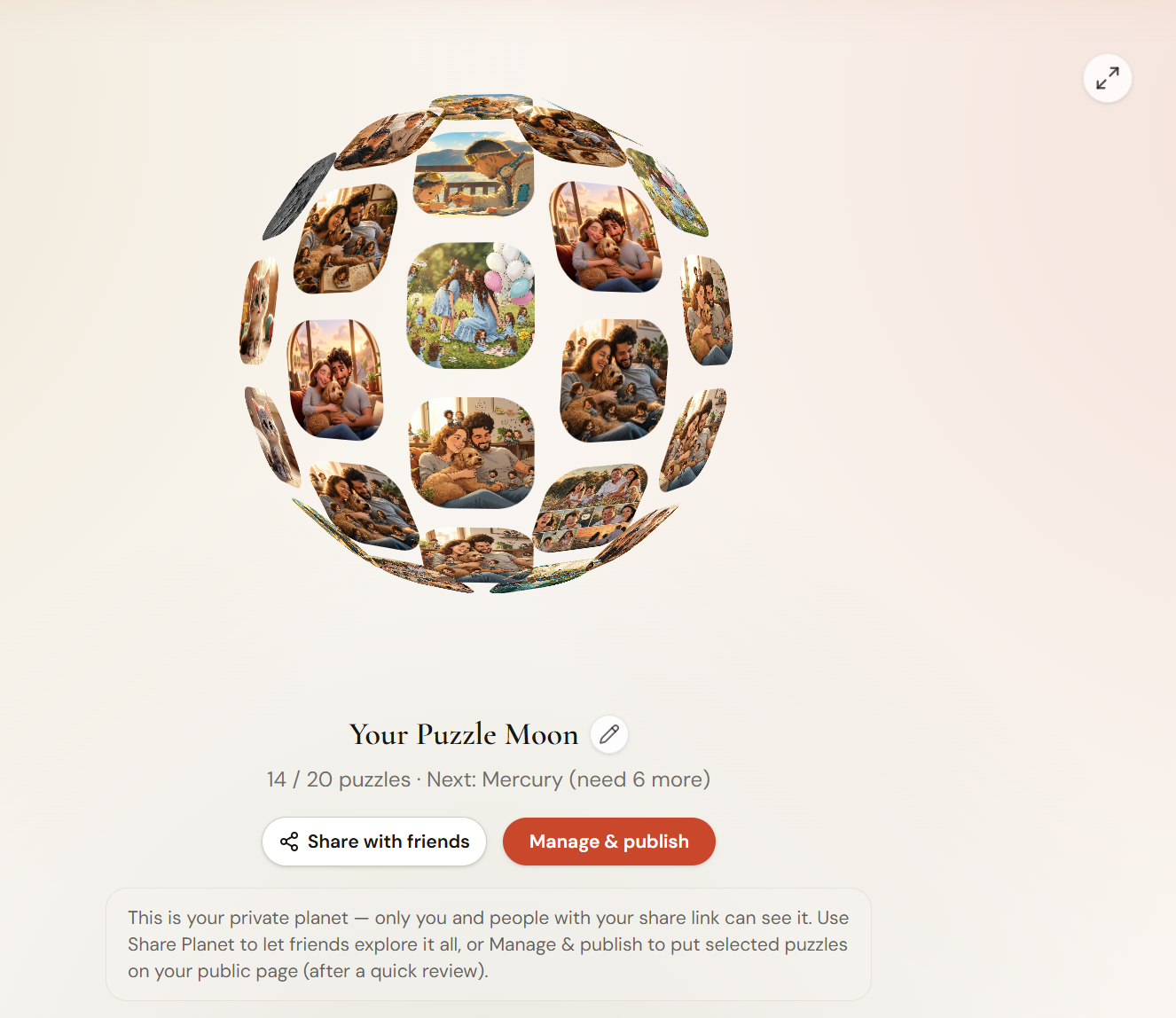
Every puzzle you make on I Love Puzzle lands on your own Puzzle Planet — a rotating 3D sphere built out of your puzzles. This guide covers how it grows, the difference between sharing it privately and publishing it publicly, and how to manage the whole thing from one page.
What your Puzzle Planet is
Your planet is a globe covered in your own puzzles. The more you make and save, the bigger it gets, climbing through a set of levels named after objects in the solar system.
You start at Stardust with nothing, and grow from there:
| Level | Puzzles |
|---|---|
| Stardust | 0 |
| Asteroid | 1–9 |
| Moon | 10–19 |
| Mercury | 20–29 |
| Mars | 30–39 |
| Venus | 40–49 |
| Earth | 50–80 |
| Saturn | 81–99 |
| Jupiter | 100–119 |
| Sun | 120+ |
Earth is where the planet really fills out, and it keeps growing past that. There's no rush — the level just reflects how much you've made.
Building it
There's nothing to set up. You build your planet just by making puzzles:
- Go to Create and turn a photo into a puzzle
- Save it
- It shows up on your planet automatically
Every saved puzzle becomes part of the sphere — including ones you've kept private.
Getting around the sphere
A few things you can do on the planet itself:
- Drag to spin it. Click and drag to rotate.
- Click a tile to preview a puzzle, and click the preview again to open that puzzle's page.
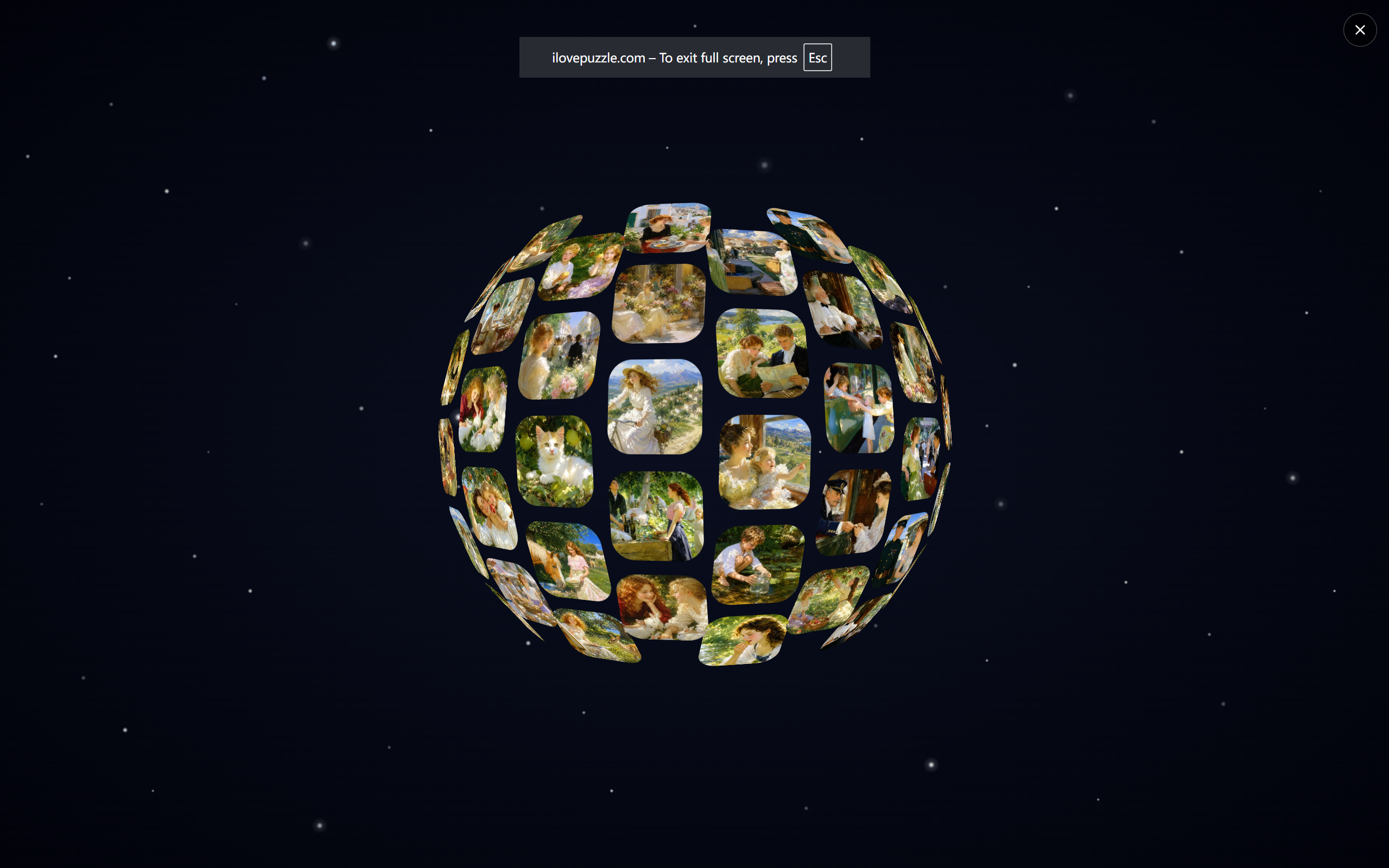
- Go fullscreen. There's a fullscreen button in the top-right corner of the sphere. It's worth using — the planet looks far better filling the screen against the starfield than it does in a small box.
- Rename your planet. Next to the planet's title there's a small pencil icon. Click it to give your planet a custom name (up to 30 characters) instead of the default — so it reads as something like "Dreamland · Venus" rather than the generic title.
Private planet vs. public page
This is the part worth understanding, because there are two versions of your planet and they show different things.
My Planet (private) — at /my-planet. This shows everything you've saved, including puzzles you've kept private. Only you can see the full thing, plus anyone you give a private share link to.
Your public page — at /u/yourname. This shows only the puzzles you've published and that have passed review. It's the page that can show up in search and that you'd share to be found.
So: your private planet is your complete collection. Your public page is the curated part you've chosen to show the world.
Two ways to share — and they're different
People mix these up, so here's the clean version.
Share with friends (a private link)
On My Planet, the Share with friends button generates a private link to your full planet — including private puzzles. You pick how long it stays active: 7 days, 30 days, or permanent (it defaults to 7 days). Whoever has the link can open it and explore your whole planet without an account.
Use this when you want specific people to see everything, but you don't want it public or searchable.
Manage & publish (to your public page)
This is how puzzles get onto your public page, where anyone can find them.
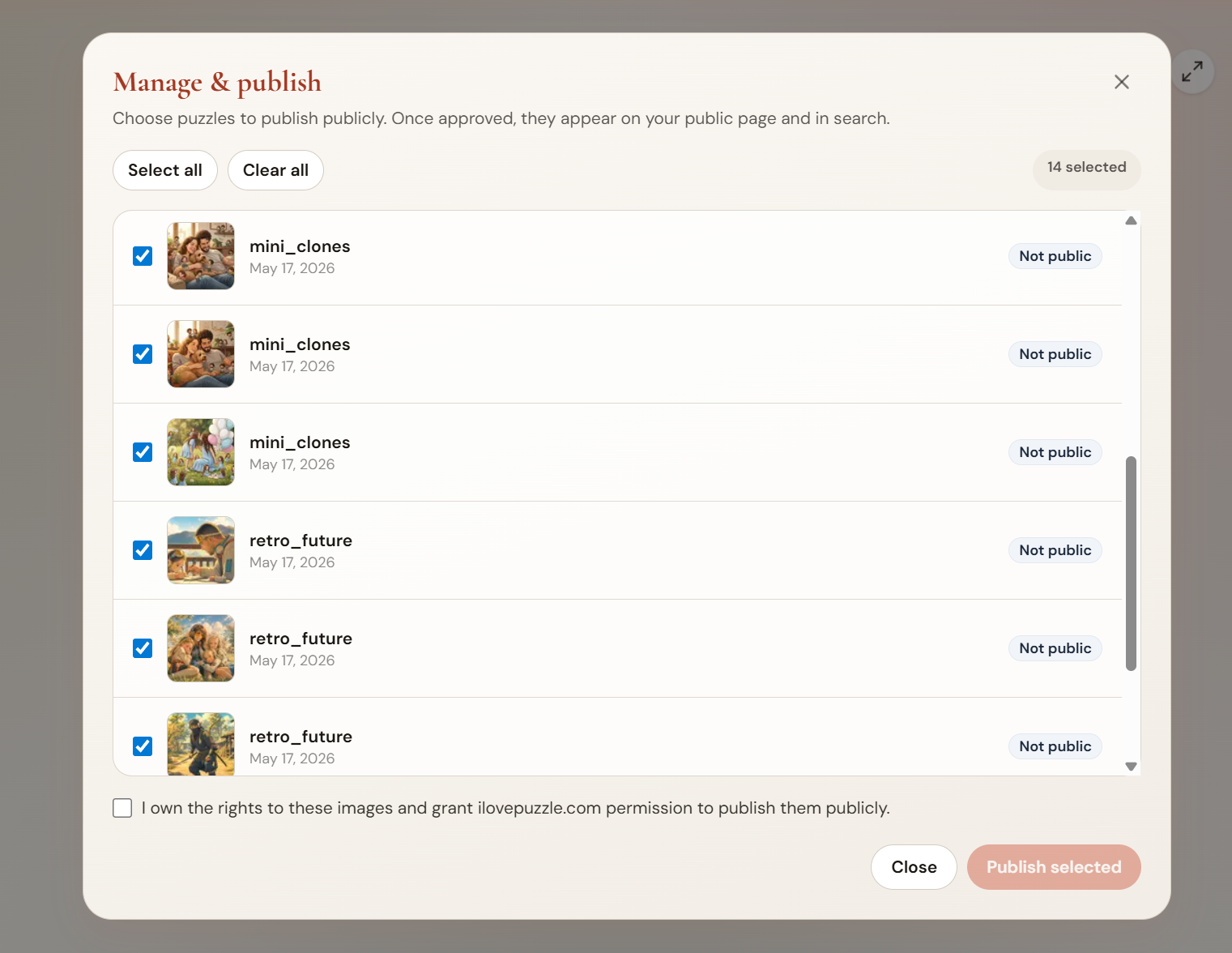
Here's the flow:
- On My Planet, click Manage & publish
- A window opens listing your saved puzzles. Check the ones you want to make public (puzzles that aren't public yet are selected by default)
- Tick the rights checkbox confirming you own the images
- Click Publish selected
You'll see a message that your puzzles have been submitted for review — we usually review within about 24 hours. While they're waiting, they show as "In review." Once approved, they appear on your public page and become findable in the gallery and search.
You don't have to write titles or pick categories for this — just select the puzzles and publish. (If you want to publish a single puzzle with a full title, category, and description, you can do that from the puzzle's own Share menu or your Dashboard instead.)
Seeing how your planet's doing
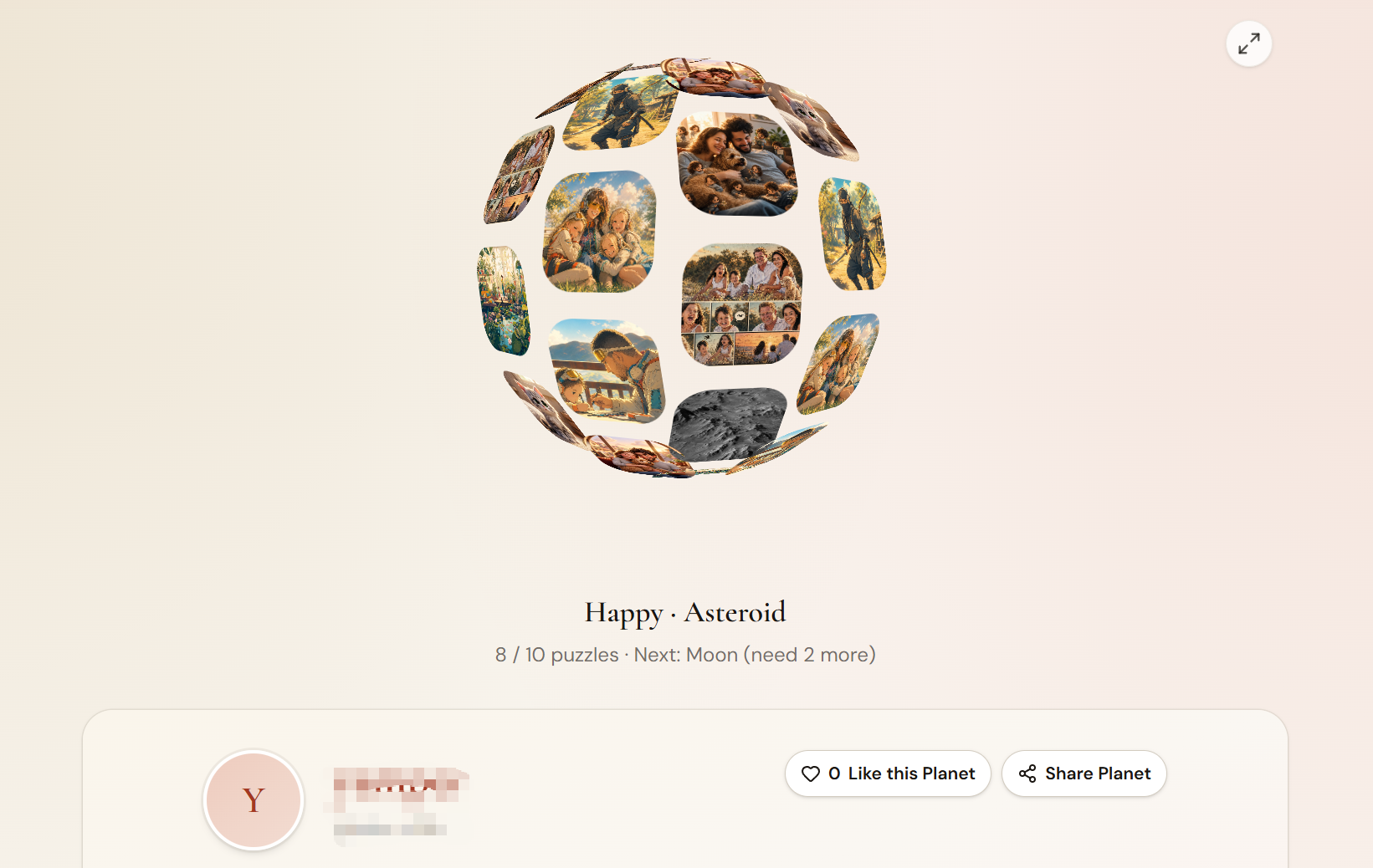
A few signals tell you how your planet is landing:
- Likes. Visitors can like your planet from your public page, and they don't need an account to do it. The like count sits right on the page.
- Climbing levels. Watching the planet go from Moon to Mars to Venus as you add puzzles is its own kind of progress bar.
- Publishing more. The more you publish, the fuller your public page looks and the more there is for visitors to play.
On your public page, the Share Planet button gives you a permanent public link (`/u/yourname`) you can copy or post to Facebook, X, or email — this is the one to use when you want to be discovered, since everything on it has already passed review.
Quick tips
- Publish your best ones. Your public page is your storefront. A page with your strongest puzzles is worth landing on.
- Name your planet so it feels like yours.
- Use fullscreen when you show it to someone — it's a different experience.
FAQ
What's the difference between "Share with friends" and "Manage & publish"?
Share with friends gives you a private link to your full planet (including private puzzles) that you can set to expire in 7 or 30 days, or never — no review needed. Manage & publish submits selected puzzles to your public page after a quick review. One is for showing specific people everything; the other is for making chosen puzzles findable by anyone.
How long does publishing take to go live?
Published puzzles go through a quick review, usually within about 24 hours. Until then they show as "In review," and they appear on your public page once approved.
Do I have to add titles or categories to publish?
Not through Manage & publish — you just select puzzles and confirm the rights checkbox. If you want to publish a single puzzle with a full title, category, and description, use the puzzle's Share menu or your Dashboard.
Can people see my private puzzles?
Only on your private planet or through a private share link you create. Your public page shows only puzzles you've published and that have been approved.
How does my planet level up?
It's based purely on how many puzzles are on it. Make and save more, and it climbs from Stardust all the way to Sun.
Start Building
Your planet starts the moment you make your first puzzle.