Swap mode vs Drag mode — quick guide
How our two puzzle modes differ and when to use each one.
1 min read
In this Article
Our play experience offers two ways to solve: Swap and Drag. Each suits a different mood.
Swap mode
Great for quick sessions. You tap two pieces to swap them until the image lines up. It pairs well with smaller grid sizes when you want a fast challenge.
Drag mode
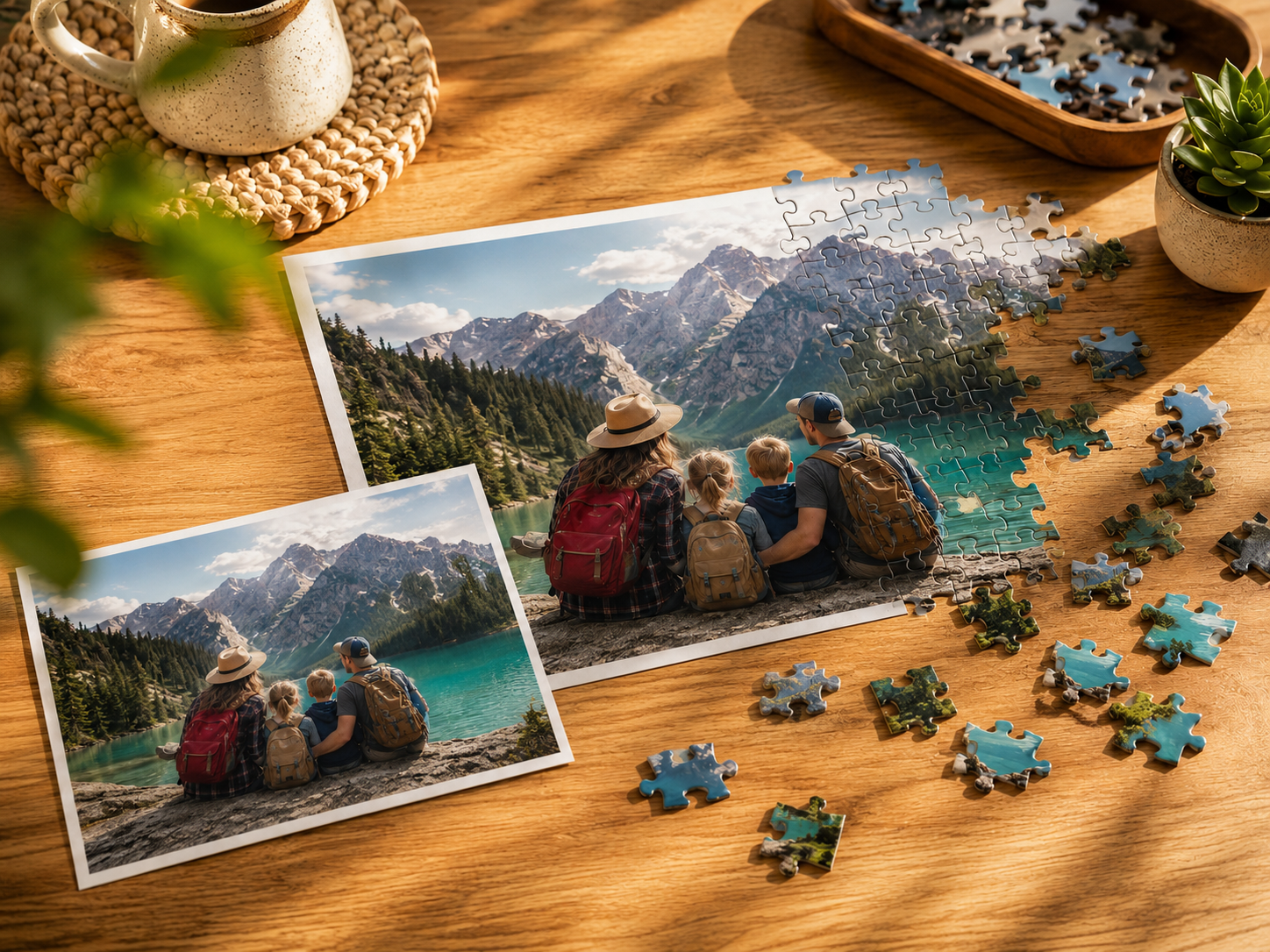
Closer to a physical table puzzle. You pick up a piece and drop it where it belongs. Try it when you want a more tactile feel, especially with higher piece counts.
We would love to hear which mode is your favorite — more on community features in a future post.